
02 / DUURAPAY POS
SOFTPOS + HANDHELD POS

Take payments
your way.

Use SoftPOS to make a compatible smartphone your point of sale, or choose a dedicated DuuraPay handheld POS. Pick the setup that fits how your business serves customers.

SoftPOS requires a compatible smartphone. Confirm supported devices, setup, current availability, fees and terms with Duura before getting started.

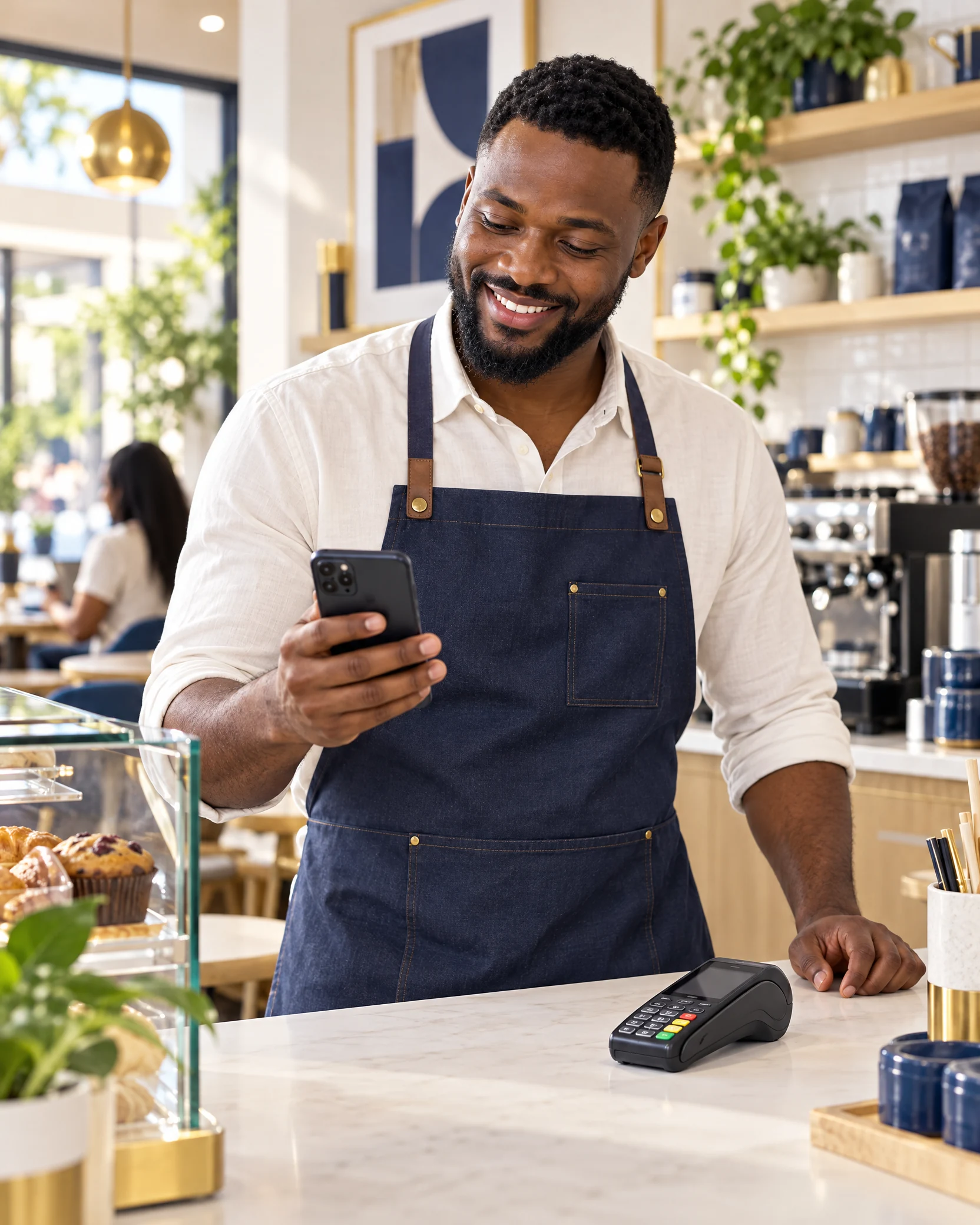
Nigerian business owner with a smartphone and a separate handheld POS at a bright shop counter PHONE OR HANDHELD
NAIJA PIDGIN · THE POS CHOICE“Na your phone be your POS. You fit choose our handheld one too.”
01
TWO POS FORMATS · ONE CLEAR CHOICE

Choose the setup
that fits your business.

Take payments with the phone you already use, or work with a dedicated handheld terminal. Each option has its own setup—choose the one that suits your counter, your team and your day.

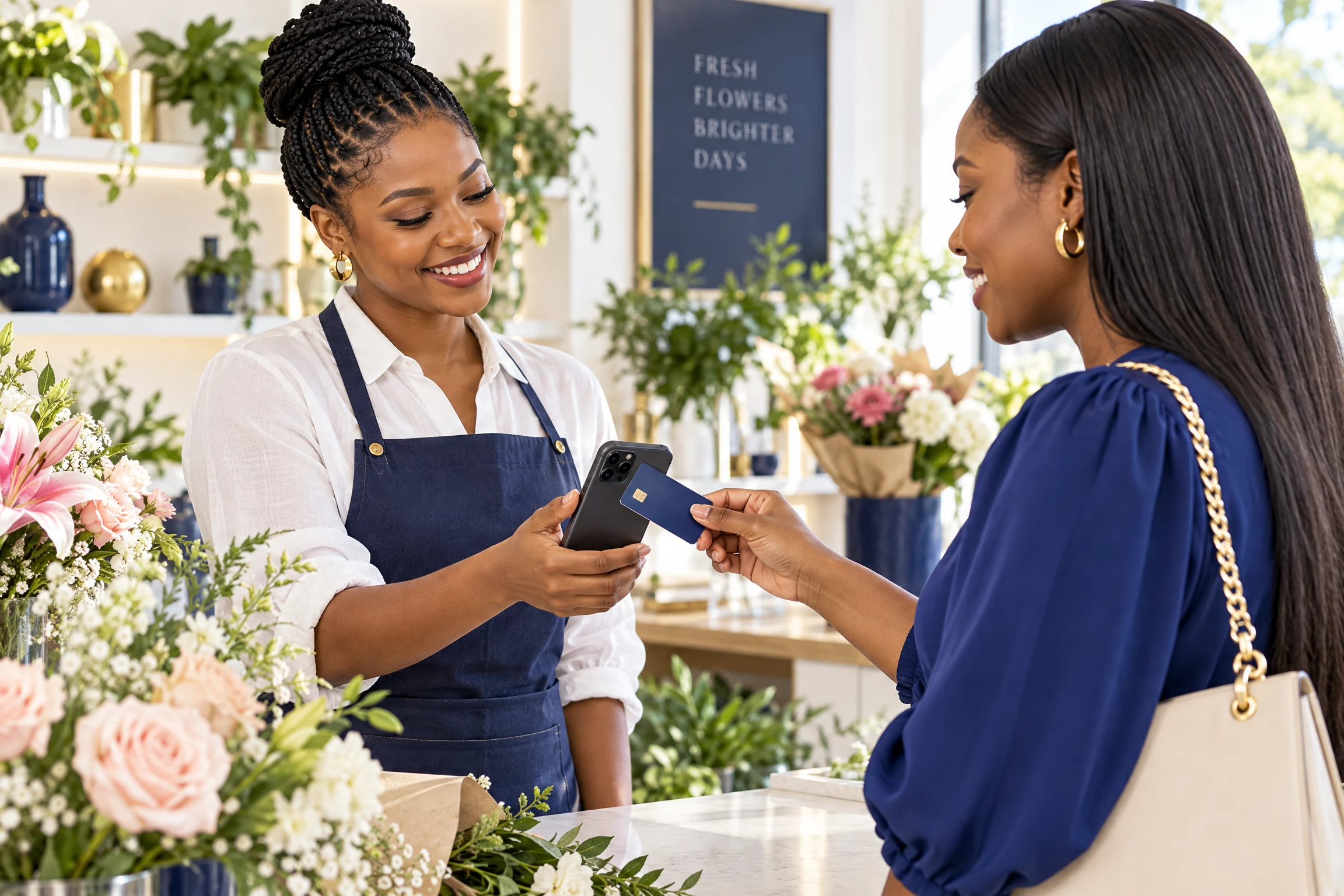
Florist accepting a customer's card with a smartphone used as SoftPOS
OPTION 01 · SOFTPOS
PHONE AS POS

Your phone becomes your POS.

SoftPOS lets a compatible smartphone serve as the payment point for in-person transactions—without carrying a separate handheld terminal for this setup.

  • Use a compatible smartphone as your POS
  • A flexible setup for customer-facing business
  • Check device requirements and onboarding
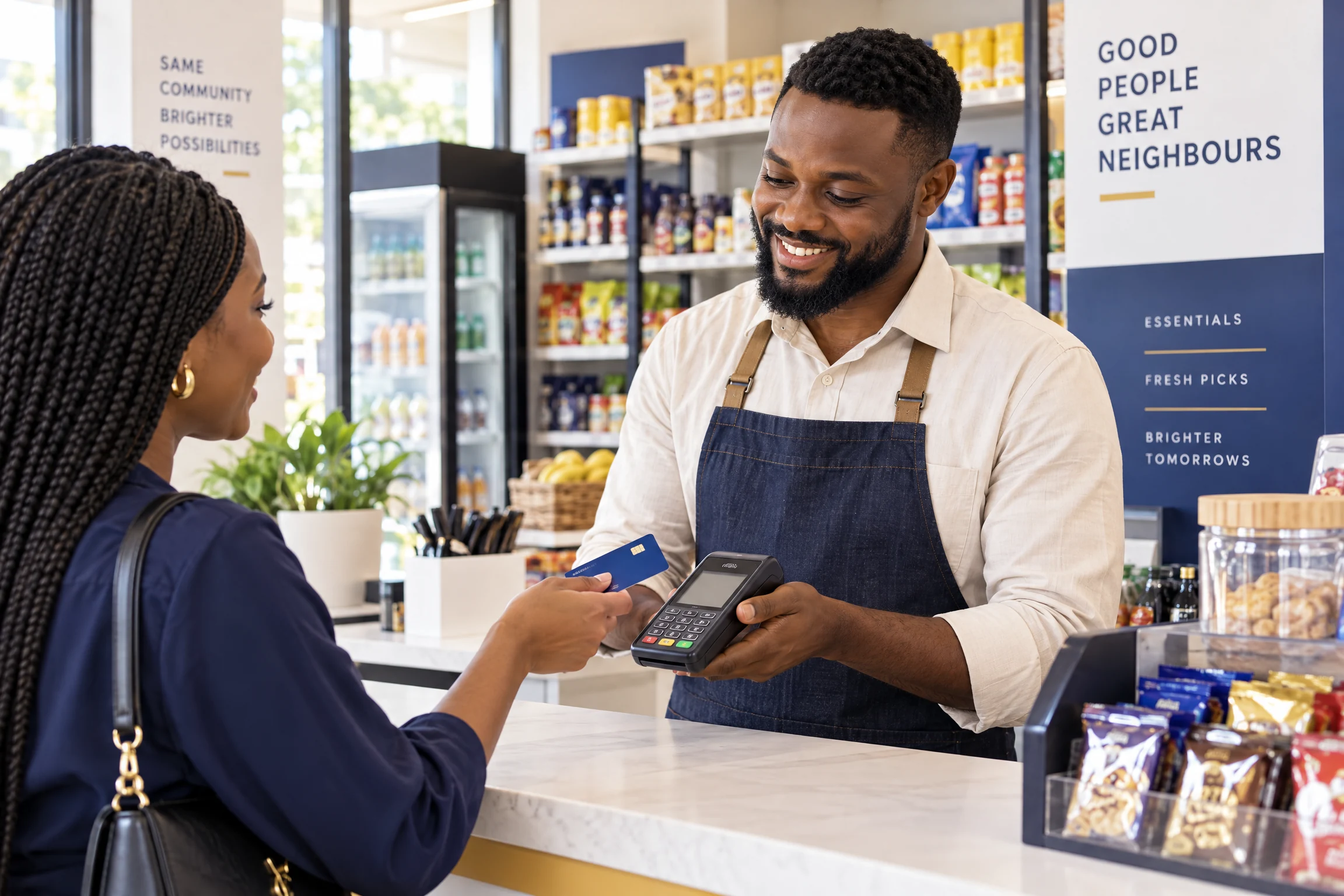
Nigerian shopkeeper accepting a payment with a dedicated handheld POS terminal
OPTION 02 · HANDHELD POS
DEDICATED DEVICE

A handheld POS, ready for your counter.

Prefer a separate device? Choose the DuuraPay handheld POS for a dedicated point-of-sale setup at your counter or wherever your business serves customers.

  • A separate handheld terminal for business use
  • Confirm model, supply and hardware details
  • Ask about connection, fees and support
DuuraPay handheld POS terminal
DUURAPAY HANDHELD POSSee the dedicated device.
BEFORE YOU GO LIVE

Know the details
behind your setup.

A smooth point of sale starts with a clear fit: your device, the payment terms and the support available for your business.

Talk through your options
01

Device fit

For SoftPOS, confirm phone compatibility and the setup requirements. For handheld, confirm the available model and hardware details.

02

Commercial terms

Review applicable fees, limits, settlement timing and any reversal conditions before you go live.

03

Connectivity

Ask what connection is required and what to do when a transaction is pending or the network is unavailable.

04

Support & records

Know where to get help, which transaction reference to keep and how to reconcile payment activity.

DUURAPAY POS · SOFTPOS + HANDHELD

Two setups.
One that fits your hustle.

Ask the DuuraPay team about compatible phones, the handheld terminal, setup, current fees, settlement details and support for your business.

Ask Duura for current details